
Top 4 aiugccreator.art Alternatives 2026
HotUGC
March 22, 2026 · 12 min read
Top 4 aiugccreator.art Alternatives 2026
Looking for creative tools that take your ideas to the next level? New platforms are changing the way people work with images and art. Each option offers its own style and features, making it tough to pick just one. Users want fast results, easy interfaces, and unique outputs. Curious which tools are making waves and how they stack up against each other? The search for the right fit often reveals some surprising differences.
Table of Contents
HotUGC
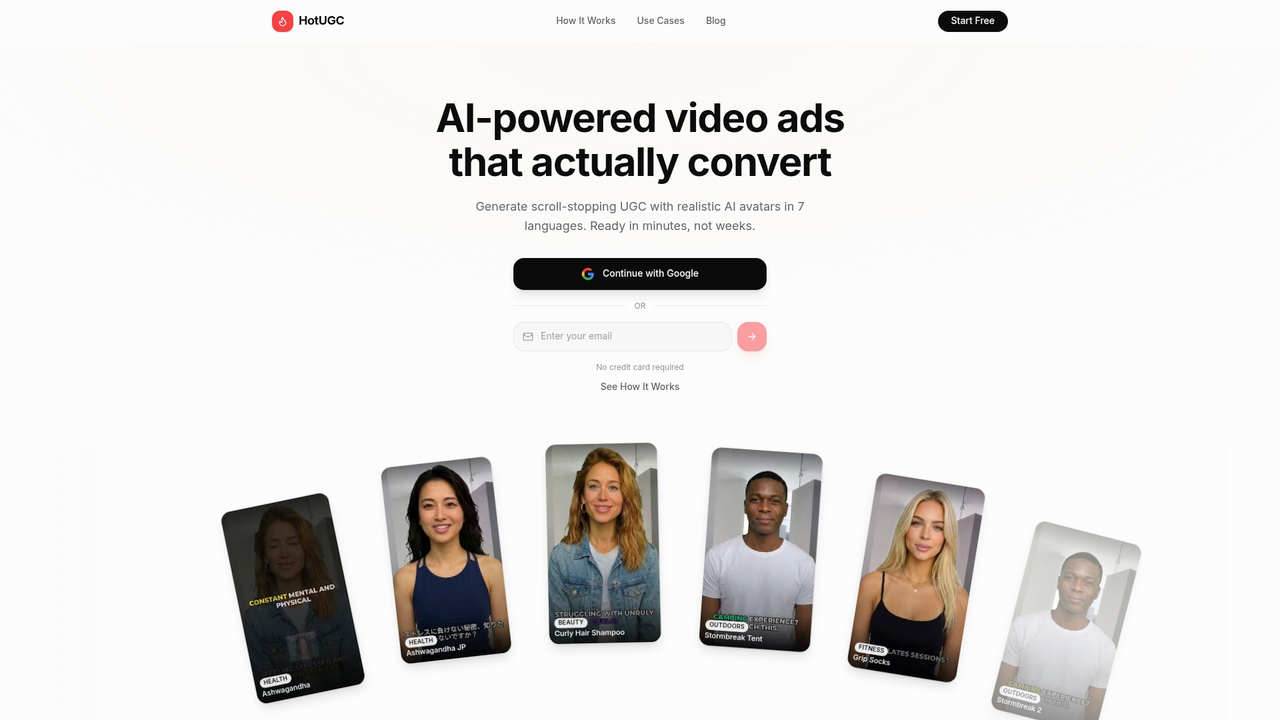
At a Glance
HotUGC is the leading AI platform for creating high-converting UGC style video ads quickly and predictably. It replaces weeks of production with minutes of work while preserving professional polish and multi language reach.
Core Features
HotUGC focuses on three simple steps: add your product, customize your video, and export for launch. The platform includes AI-generated scripts in seven languages and three tones, realistic AI avatars that look professional and diverse, and a library of pre-built scroll-stopping hooks to grab attention. Videos render fast so you can test ads across TikTok, Instagram, and Facebook without filming or editing.
Pros
- Faster turnaround time: You can produce campaign-ready videos in minutes instead of waiting weeks for traditional shoots and edits.
- Lower cost per video: AI production reduces talent and studio expenses, making it scalable for large campaigns.
- Unlimited revisions: You can iterate on scripts and avatar delivery until the messaging converts the way you want.
- Consistent branding: Templates and avatar customization keep style and tone uniform across multiple ad variants.
- No editing skills required: The platform handles editing, timing, and hooks so your team focuses on strategy and measurement.
Who It’s For
HotUGC serves brands and marketers who need fast, scalable, and cost effective UGC video production. If you run paid social campaigns, manage multiple product launches, or target several language markets, HotUGC lets you generate testable creative at scale without hiring creators or production vendors.
Fast. Controlled.
Unique Value Proposition
HotUGC stands out because it combines conversion oriented scripting, multilingual voice delivery, and realistic avatars in one unified workflow. That combination delivers three competitive advantages that matter to sophisticated buyers: speed to market for A B testing, consistent creative that protects brand voice, and predictable cost structure for scaling creative variants. Smart buyers choose HotUGC when they need reliable creative velocity across regions because the platform reduces production friction while offering commercial rights for ads. Tradeoffs exist by design: the system prioritizes repeatable, avatar based videos over raw authenticity from real creators, and customization favors rapid templates over frame by frame manual edits. Those choices enable predictable outcomes and faster optimization cycles for performance driven teams.
Real World Use Case
A brand launching a new product uses HotUGC to generate ten localized ad variants in seven languages within a single afternoon. The team tests different hooks and tones across audiences on TikTok and Instagram, identifies the top performer within days, and scales the winning creative across markets with minimal additional spend.
Pricing
HotUGC offers a free plan to get started and paid plans that likely add advanced features and higher usage limits. Specific pricing tiers are not published on the homepage, so budget conscious teams can test the free tier and then upgrade when ready for scale.
Website: https://hotugc.ai
AI UGC Creator
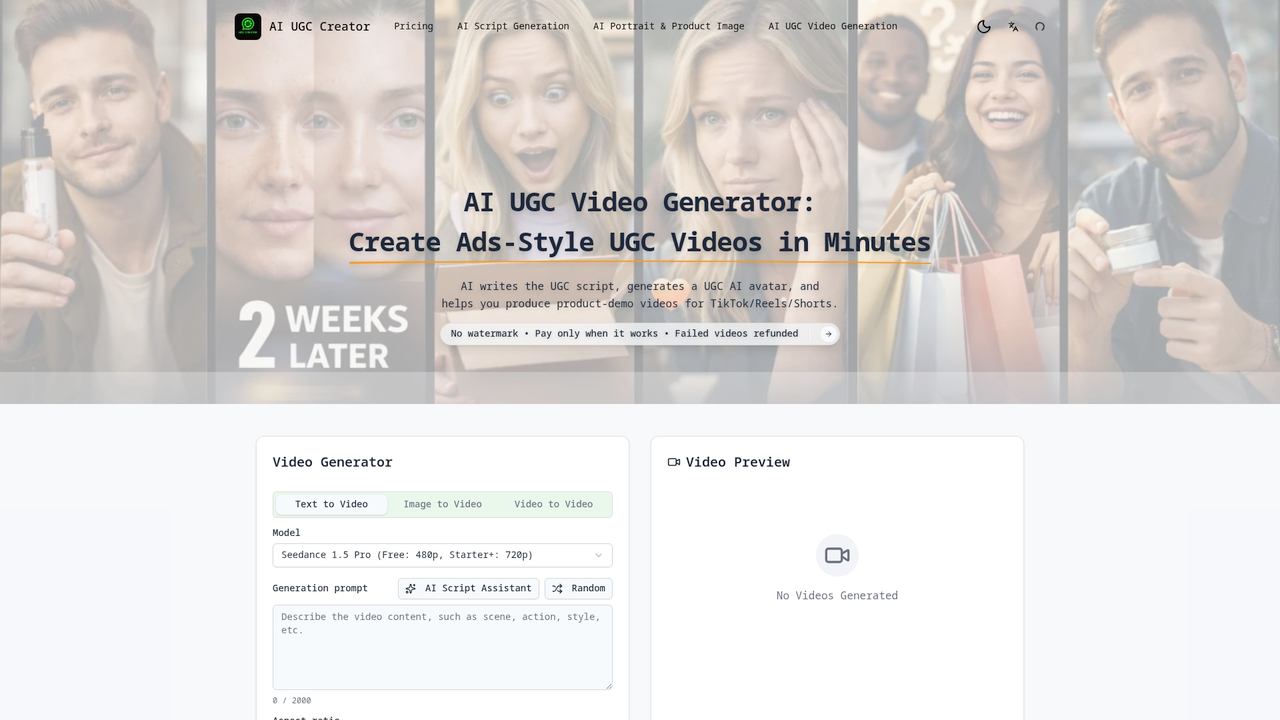
At a Glance
AI UGC Creator simplifies producing user generated videos by combining script writing, avatar generation, and video production in one interface. It works best for ecommerce teams that need fast social clips for TikTok, Reels, and Shorts without hiring creators.
Core Features
The platform focuses on three core capabilities: AI script generation for conversion oriented copy, AI portrait and product image generation for visual assets, and AI UGC video generation with ready templates and styles. A multi step workflow lets you skip or revisit steps and reuse assets through a project library.
Short pause. Think about reuse.
Pros
- All in one workflow: The platform bundles scripting, avatar creation, and video rendering so you avoid jumping between tools. This reduces handoffs and saves hours on coordination.
- Customizable templates: Templates adapt to different UGC styles which helps maintain consistent branding across multiple video variations. You can test formats quickly without rebuilding from scratch.
- Reusable assets: Scripts and generated media live in a project library so your team can duplicate campaigns and iterate faster over time.
- Low skill barrier: Marketers without editing experience can create publishable ads because the AI handles technical production steps.
- Flexible steps: The multi step process is optional so experienced users can skip parts and use only the tools they need.
Cons
- The service requires credits for generation which increases costs beyond the free allowance and may change campaign budgets.
- Relying on AI means script quality and visual output vary and sometimes need manual editing to match brand voice.
- New users receive limited free credits which forces subscriptions for higher volume creators and frequent ad testing.
Who It’s For
Ecommerce sellers and marketing teams that need frequent social video content benefit most from AI UGC Creator. If you run paid social tests, manage multiple SKUs, or scale creative production across regions this tool reduces friction and speeds up iteration.
Unique Value Proposition
AI UGC Creator delivers a unified path from idea to finished clip by combining automated scripting, image generation, and video assembly. The value lies in replacing several specialist roles with a single platform that produces consistent, repeatable UGC style ads.
Real World Use Case
An online seller builds a week long campaign by generating five product demos and ten short testimonial style clips. The team uses shared scripts and the project library to localize hooks, then publishes variations across TikTok and Reels within two days instead of two weeks.
Pricing
The service includes a free plan with 20 credits. Paid tiers are Starter at $20 per month with 3,600 credits per year, Creator at $35 per month with 9,000 credits per year, and Studio at $62 per month with 18,000 credits per year. Credits apply to scripts, images, and videos.
Website: https://aiugccreator.art
Invideo AI
At a Glance
Invideo AI offers a straightforward way to produce professional quality videos using AI driven video creation and ready templates. It reduces production friction for marketers and small teams while keeping the learning curve low and output reliable.
Core Features
The platform centers on fast video production through customizable templates, an intuitive drag and drop editor, and a large media library that supplies images, clips, and music. It also provides text to video capabilities so you can turn scripts into visuals without manual filming.
- AI driven video creation
- A wide range of customizable templates
- Intuitive drag and drop editor
- Extensive media library including images, video clips, and music
- Text to video capabilities
Pros
-
User friendly interface makes it simple for marketing teams to assemble ads and edits without specialized training.
-
Time efficient video production allows you to produce multiple variants for A B tests in hours rather than days.
-
Rich template and media library gives quick access to assets that match common social ad formats and story lengths.
-
Suitable for both beginners and professionals because advanced editors can refine output while novices rely on templates.
-
Supports various video formats so exports work across platforms like social feeds and landing page embeds.
Cons
-
Limited free options provide basic functionality but restrict access to higher quality templates and assets.
-
Some advanced features require a paid plan which raises costs when you need brand controls or higher export caps.
-
Dependent on internet connection since editing and asset access happen in the cloud which affects teams with unreliable bandwidth.
Who It’s For
Invideo AI fits content creators, marketers, and social media managers who need to produce consistent ad creatives quickly. Small business owners and educators who lack in house video teams will find the platform especially practical for frequent, low cost video needs.
Unique Value Proposition
Invideo AI combines automated video generation with hands on editing so teams can move from idea to publishable asset in minutes. The mix of templates, AI tools, and a large asset library makes it a practical choice when speed and repeatability matter.
Real World Use Case
A small business owner used Invideo AI to produce promotional videos for a product launch which lowered production time and cost compared to hiring an external studio. The owner created multiple ad cuts for social channels within a single afternoon.
Pricing
Invideo AI offers a free plan with basic features and paid plans that unlock additional templates, higher quality exports, and expanded media access. Choose a paid plan when you need brand control, extra exports, or premium assets.
Website: https://ai.invideo.io
Synthesia
At a Glance
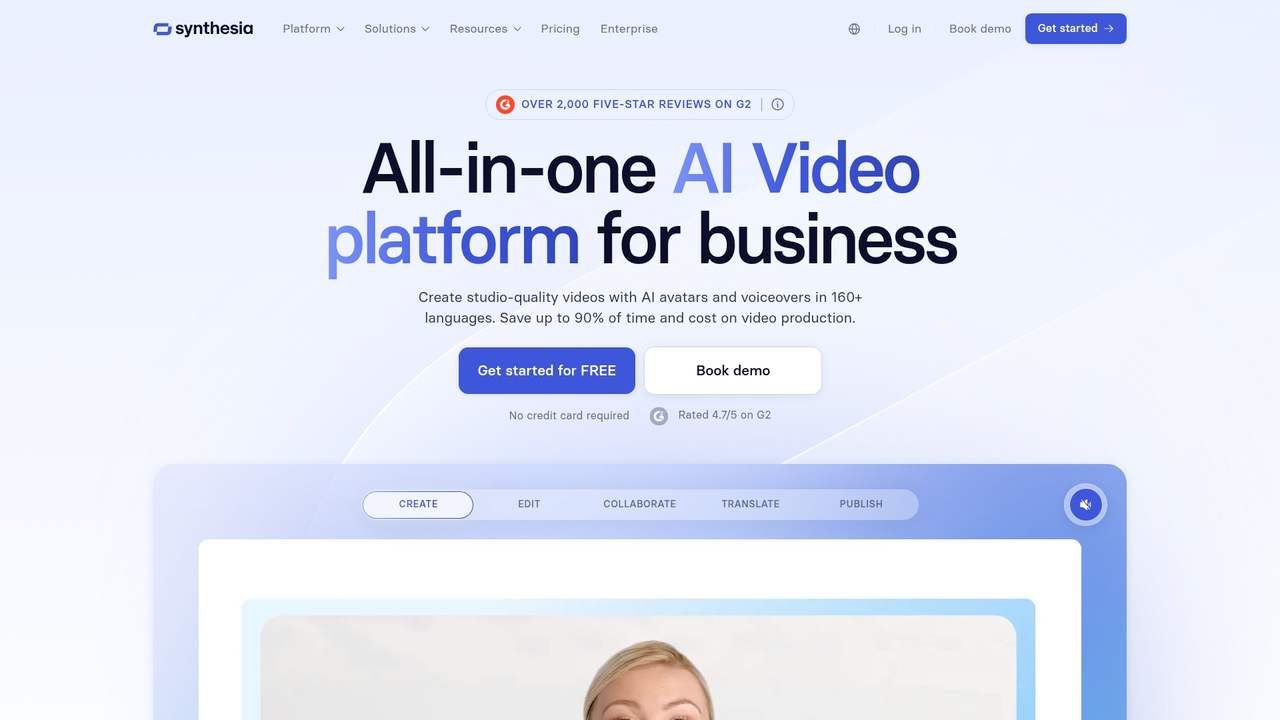
Synthesia is an AI video platform that turns script text into studio quality video using AI avatars and multilingual voiceovers, saving teams hours of production time. The platform fits organizations that need repeatable, language scaled video assets without hiring production crews.
Core Features
Synthesia offers 240+ AI avatars and support for 160+ languages to localize messaging at scale in a single workflow. It also includes localization tools like AI dubbing and captions, management tools such as Brand Kit and version control, and publishing and engagement features for distribution and interaction.
Pros
- User friendly platform: The interface requires no prior video editing skills so marketing teams can produce content without specialist hires.
- Cost effective and scalable: AI driven creation reduces per video time and cost which helps teams generate more assets within fixed budgets.
- Extensive avatar and language options: The large avatar library and wide language coverage make it practical to reach multiple markets with consistent creative.
- Security and compliance: SOC 2, GDPR, and ISO compliance give enterprise teams confidence when handling sensitive internal and external communications.
- Platform integrations: LMS integration and publishing options let training and learning teams deploy video directly to learners and systems.
Cons
- Video length limits: Some plans impose specific restrictions on video length which can constrain long form training or extended demos.
- Advanced customization costs more: Deeper customization and advanced features typically require higher tier plans or paid customization which raises total cost.
- Premium pricing for small teams: The pricing structure can feel premium for small organizations or individual creators working with tight budgets.
Who It’s For
Synthesia best serves businesses and organizations that need to scale video content creation without expanding production teams. It matches corporate training teams, marketing groups running multi market campaigns, and sales enablement teams that need repeatable, localized content across regions.
Unique Value Proposition
Synthesia centralizes script to published video with built in localization and management tools so teams produce consistent brand content quickly. Its strength lies in replacing costly camera shoots with a repeatable AI driven pipeline that preserves messaging and reduces time to publish.
Real World Use Case
A Fortune 100 company used Synthesia to produce branded training videos in multiple languages which cut production time and cost significantly while keeping messaging and brand elements consistent across regions.
Pricing
Plans start with a free tier that includes limited minutes for testing and proof of concept. Paid subscriptions add minutes, avatar options, and management features with usage based limits varying by plan and customer needs.
Website: https://synthesia.io
AI Video Creation Tools Comparison
This table provides an overview of four AI-powered platforms designed to streamline video production for marketing, ecommerce, and educational purposes. Below is a detailed comparison of their features, benefits, challenges, target users, and pricing.
| Product Name | Key Features | Pros | Cons | Pricing |
|---|---|---|---|---|
| HotUGC | AI-generated scripts in seven languages; Realistic AI avatars; Scroll-stopping hooks; Fast rendering | Faster turnaround time; Lower cost per video; Unlimited revisions; Consistent branding | Template-based customization; Limited raw authenticity | Free plan available; Paid plans unspecified |
| AI UGC Creator | AI-powered script, avatar, and video generation; Project library for reusability | Unified workflow; Reusable assets; Low skill barrier; Customizable templates | Credits required for generation, increasing costs; Script quality may vary | Free tier; Paid tiers from $20/month to $62/month |
| Invideo AI | Customizable templates; Drag and drop editor; Large media library; Text-to-video capabilities | User-friendly; Rich asset library; Suitable for beginners and professionals | Limited free options; Advanced features require subscription | Free plan available; Paid plans for additional features |
| Synthesia | 240+ AI avatars; 160+ languages; Management tools; Publishing features | Extensive avatar language options; SOC 2, GDPR compliance; User-friendly platform | Video length limits; Premium pricing for small teams | Free tier for limited minutes; Paid subscriptions per usage |
Website URLs: https://hotugc.ai, https://aiugccreator.art, https://ai.invideo.io, https://synthesia.io
Discover a Faster Way to Create High-Converting UGC Video Ads
If you’re looking at AI UGC Creator alternatives for 2026, you know how challenging it is to produce authentic, scalable user-generated content without the hassle of lengthy filming or costly editing. Key pain points in this space include script inconsistency, limited customization, and long turnaround times that slow down your social campaigns. HotUGC addresses these issues by offering AI-generated scripts in multiple languages, realistic avatars, and customizable hooks designed to maximize conversion.
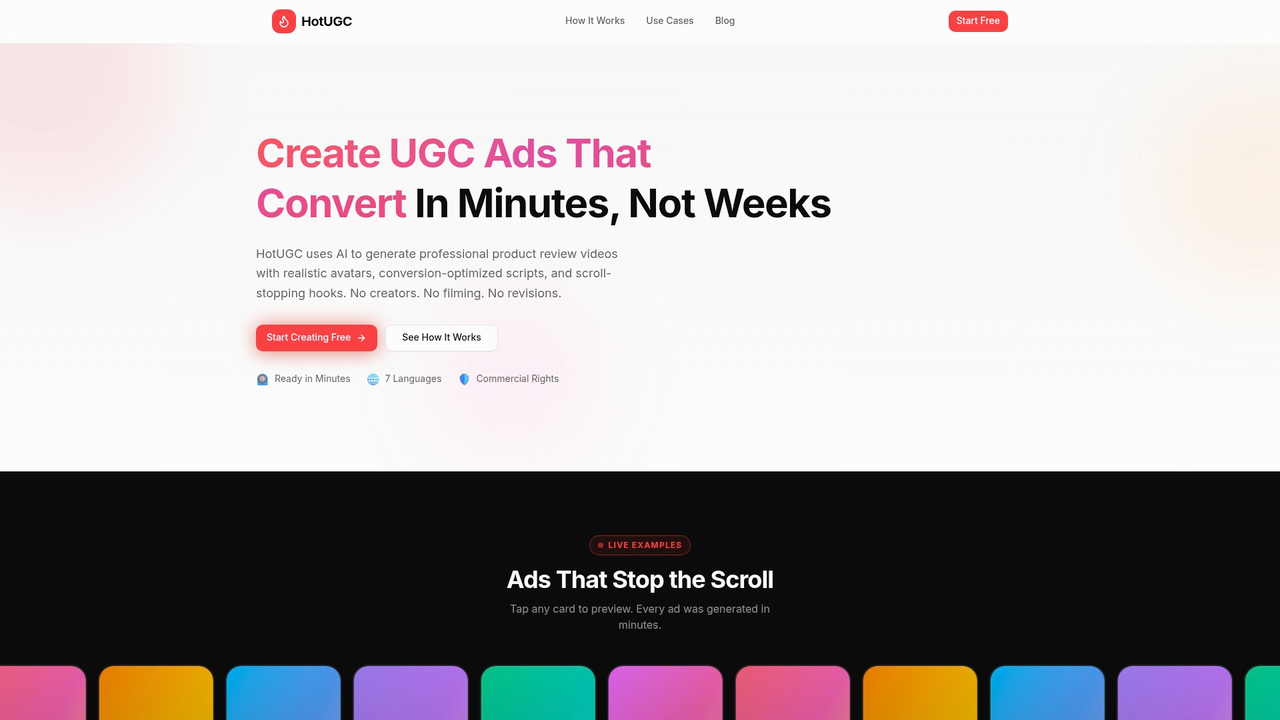
Take control of your brand’s video ads with HotUGC and enjoy rapid production that meets your exact messaging needs. Don’t wait weeks to launch – visit HotUGC to create professional UGC-style video ads in minutes and start scaling your campaigns across TikTok, Instagram, and Facebook today.
Frequently Asked Questions
What features should I look for in alternatives to aiugccreator.art?
Look for features such as AI script generation, customizable templates, and an easy-to-use video editing interface. Prioritize platforms that offer a streamlined workflow for creating user-generated content quickly, allowing you to produce effective videos without extensive technical skills.
How can I ensure that an alternative to aiugccreator.art meets my marketing needs?
To ensure a platform meets your needs, evaluate its capabilities for creating varied video styles and formats. Test the platform with a small project to assess how well it aligns with your brand voice and production requirements.
Are there specific pricing structures I should consider when choosing an alternative?
Yes, review the pricing tiers of alternatives to understand what features and usage limits each plan offers. Look for a plan that provides a balance of affordability and access to the tools necessary for your marketing campaigns.
How can I assess the quality of videos produced by aiugccreator.art alternatives?
You can assess video quality by reviewing sample outputs or using trial periods offered by these platforms. Create short video tests with each software to compare output quality, style consistency, and how well they match your brand’s messaging.
What is the typical turnaround time for video production on alternatives to aiugccreator.art?
Turnaround time varies by platform but typically ranges from a few minutes to a few hours for completing videos. Aim to choose a solution that allows you to create multiple video variations quickly, speeding up your campaign readiness.


