
How to customize video avatars to boost e-commerce sales
HotUGC
March 23, 2026 · 12 min read
How to customize video avatars to boost e-commerce sales
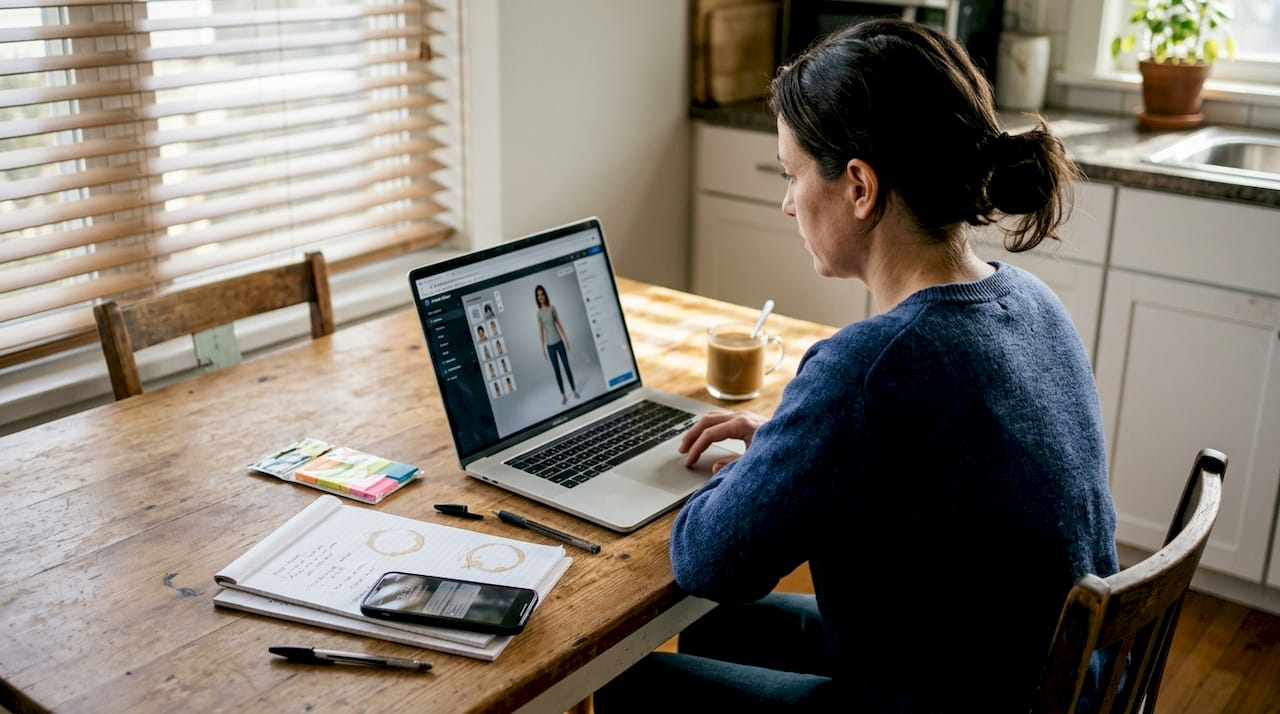
Creating authentic video content at scale remains one of the biggest challenges for e-commerce marketers. Traditional production demands weeks of coordination, substantial budgets, and constant creator management. Customized video avatars powered by AI offer a breakthrough solution, enabling brands to produce engaging, on-brand video content in minutes while maintaining authenticity. This guide walks you through everything you need to know about customizing video avatars that resonate with your audience, drive conversions, and scale effortlessly across campaigns.
Table of Contents
- Key takeaways
- What you need before customizing your video avatar
- Step-by-step guide to customizing your video avatar
- Common mistakes to avoid when customizing video avatars
- Measuring success and optimizing your customized avatars
- Enhance your marketing with AI-generated video avatars at HotUGC
- How to customize video avatars - frequently asked questions
Key Takeaways
| Point | Details |
|---|---|
| Cost and time savings | AI avatar videos cut production costs and shorten timelines from weeks to hours. |
| Solid preparation required | Successful avatar customization hinges on having the right tools, assets, and brand aligned messaging prepared before you begin. |
| Select base avatar | Choose an avatar whose personality, age, ethnicity, and style reflect your brand and resonate with your audience. |
| Audience testing | Test multiple avatar options with small audience samples before committing to a final choice. |
What you need before customizing your video avatar
Successful avatar customization starts with the right foundation. You need specific tools, assets, and strategic preparation before diving into the creation process.
First, select an AI video generation platform that supports avatar customization. Look for features like facial expression control, gesture libraries, voice synthesis options, and brand element integration. The platform should allow you to upload custom assets and provide preview capabilities before final rendering.
Next, gather your source materials. You need high-quality brand assets including logos, color codes from your style guide, product images, and approved messaging frameworks. Script templates that reflect your brand voice prove invaluable. If you already have successful video content, analyze what made it work and document those elements for avatar replication.
Understanding your audience’s trust signals matters enormously. Research which avatar styles resonate with your demographic. Younger audiences may accept more stylized avatars, while professional B2B buyers often prefer realistic, subtle presentations. Review competitor video content to identify gaps and opportunities.
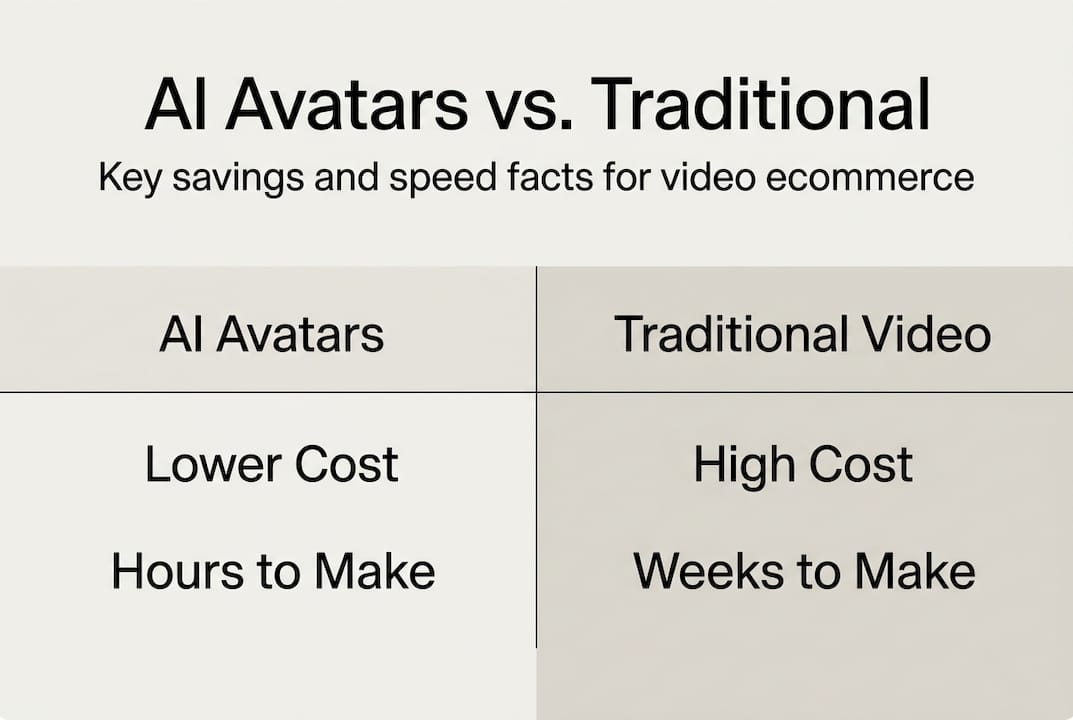
The economics make a compelling case. AI video generation offers around 90% cost savings compared to traditional production. A single professional video shoot costs $3,000 to $10,000 and takes weeks. AI avatar videos cost $50 to $300 per video and generate in hours.
Pro Tip: Invest time upfront creating a comprehensive avatar brand guide. Document approved facial expressions, gesture types, tone variations, and background styles. This reference accelerates future customization and ensures consistency across campaigns.
Consider these essential preparation elements:
- Platform access with avatar customization capabilities and export options
- Complete brand asset library including visual and voice guidelines
- Audience research data showing preferred content styles and trust factors
- Script templates optimized for conversions with clear calls to action
- Technical specifications for your target platforms like TikTok or Instagram
Compare your options systematically:
| Production method | Average cost per video | Time to completion | Scalability |
|---|---|---|---|
| Traditional filming | $3,000 to $10,000 | 2 to 4 weeks | Low |
| Freelance creators | $500 to $2,000 | 1 to 2 weeks | Medium |
| AI avatar generation | $50 to $300 | 2 to 24 hours | High |
The preparation phase determines whether your avatars feel authentic or artificial. Rushing this step leads to disconnected content that audiences immediately recognize as inauthentic. Take time to align your technical capabilities with your brand identity and audience expectations. For a deeper understanding of the generation process, explore how to generate AI avatars UGC videos to see the technical workflow in action.
Step-by-step guide to customizing your video avatar
With preparation complete, follow this systematic approach to create avatars that connect with your audience and drive results.
Step 1: Select your base avatar model
Choose an avatar that aligns with your brand personality and target demographic. Consider age, ethnicity, style, and overall presentation. Your avatar should feel like a natural brand representative. If you sell premium products, select a polished, professional avatar. For casual consumer goods, a friendly, approachable avatar works better. Test multiple options with small audience samples before committing.
Step 2: Customize visual elements
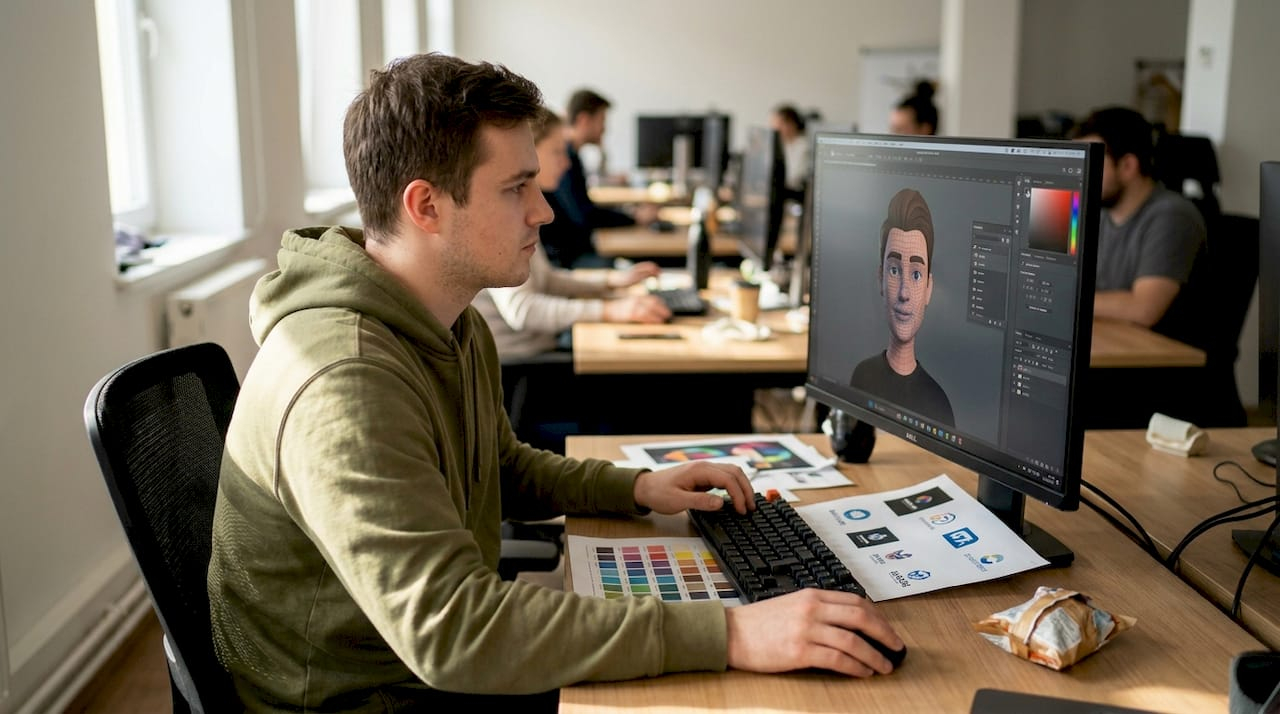
Adjust facial features, expressions, clothing, and backgrounds to match your brand identity. Modify eye color, hairstyle, and facial structure within the platform’s capabilities. Select clothing that reflects your brand aesthetic without being distracting. Choose backgrounds that complement your message, whether that’s a clean studio setup or a lifestyle environment. Every visual element should reinforce brand recognition.
Step 3: Script authentic dialogue
Input dialogue that matches your brand voice precisely. Avoid corporate jargon or overly formal language unless that fits your brand. Write conversational scripts that sound natural when spoken. Include pauses, emphasis points, and emotional cues. AI is competitive for e-commerce ads, offering speed and scale advantages, but only when the script feels genuinely human.
Step 4: Choose animation style and gestures
Select gestures and movements that enhance naturalness without becoming distracting. Subtle head nods, hand movements, and facial expressions add authenticity. Avoid excessive animation that draws attention away from your message. Match gesture frequency to your script’s emotional tone. Enthusiastic product announcements warrant more animated gestures, while educational content benefits from calm, measured movements.
Step 5: Preview and fine-tune
Generate test renders and review critically. Watch for uncanny valley effects like unnatural eye movements or stiff expressions. Check audio sync quality and ensure voice tone matches visual presentation. Test on actual devices your audience uses. Mobile viewing reveals issues desktop previews miss. Iterate based on what you observe.
Pro Tip: Create multiple avatar variations for A/B testing. Generate three versions with different expressions, gestures, or backgrounds. Let real performance data guide your final selection rather than internal preferences.
The customization process demands attention to detail:
- Start with clear creative direction based on your brand guide
- Customize systematically from major elements to subtle details
- Preview on target platforms before finalizing
- Gather feedback from team members outside marketing
- Iterate based on objective criteria tied to brand standards
- Document successful customization choices for future campaigns
- Export in formats optimized for each distribution channel
This structured approach prevents the scattered, inconsistent results that undermine avatar effectiveness. Each decision should trace back to audience preferences and brand identity. For insights on integrating avatars into your broader marketing strategy, review the avatar video marketing workflow for scalable UGC to understand how customization fits into campaign execution.
Common mistakes to avoid when customizing video avatars
Even with proper preparation and process, specific pitfalls can undermine your avatar’s effectiveness and damage audience trust.
The biggest mistake is creating overly polished, artificially perfect avatars. Audiences immediately detect this lack of authenticity. Real people have minor imperfections, natural pauses, and subtle inconsistencies. When avatars appear too perfect, they trigger the uncanny valley effect, where nearly human representations feel disturbing rather than engaging. Undisclosed or overly polished AI avatars risk uncanny valley effects and low trust from viewers.
Transparency failures represent another critical error. Failing to disclose AI-generated content when appropriate damages credibility. While you don’t need disclaimers on every video, transparency about your production methods builds trust. Audiences appreciate honesty and often embrace AI content when brands are upfront about it.
Ignoring brand voice consistency creates disconnected experiences. Your avatar might look perfect, but if the dialogue doesn’t match your established brand voice, audiences notice immediately. Every word, phrase, and tone choice must align with how your brand communicates across all channels.
Neglecting user feedback limits optimization opportunities. Many marketers create avatars based solely on internal preferences without testing audience reactions. Early feedback reveals issues you might miss. Small test audiences provide invaluable insights before full campaign launches.
“Transparency about AI use boosts viewer trust and engagement significantly. Audiences reward brands that respect their intelligence and communicate honestly about production methods.”
Avoid these specific pitfalls:
- Creating avatars that look more polished than your actual customers or creators
- Using identical avatars across completely different product lines or audiences
- Scripting dialogue that sounds like marketing copy rather than natural speech
- Ignoring platform-specific best practices for video length and format
- Failing to update avatars as trends and audience preferences evolve
- Skipping quality checks on mobile devices where most viewing happens
The authenticity balance proves challenging. You want professional quality without artificial perfection. Study successful user-generated content from real creators. Notice the natural imperfections, casual delivery, and genuine enthusiasm. Your customized avatars should capture that authentic energy while maintaining brand standards. For a detailed comparison of approaches, examine AI avatars vs real creators to understand when each option serves your goals best.
Measuring success and optimizing your customized avatars
Creating great avatars means nothing without measuring their impact and continuously improving performance based on data.
Track these essential metrics to evaluate avatar effectiveness. Engagement rate shows how viewers interact with your content through likes, comments, and shares. Click-through rate reveals how effectively your avatar drives traffic to product pages or landing pages. Conversion rate measures the ultimate goal: turning viewers into customers. Viewer retention indicates how long people watch before dropping off, revealing which moments lose attention.
Compare avatar video performance against other content types. Run parallel campaigns using avatars and traditional content, keeping other variables constant. This reveals whether avatars truly deliver better results for your specific audience and products. Some brands find avatars excel for product demonstrations while traditional content works better for brand storytelling.
Pro Tip: Set up automated analytics dashboards that track avatar video performance across all platforms in real time. Immediate visibility into performance trends enables rapid optimization and prevents wasted ad spend on underperforming content.
A/B testing drives continuous improvement. Test different avatar styles, expressions, and gestures while keeping scripts constant. Then test script variations while keeping avatar presentation consistent. This systematic approach isolates which elements drive results. Test backgrounds, clothing choices, and even subtle factors like eye contact duration.
Seasonal updates keep content fresh and relevant. Holiday promotions, seasonal product launches, and trending topics all warrant avatar adjustments. An avatar wearing summer attire in December feels disconnected. Regular updates signal that your brand stays current and pays attention to context.
Consider these optimization strategies:
- Weekly performance reviews identifying top and bottom performers
- Monthly avatar refresh cycles introducing subtle improvements
- Quarterly major updates aligning with product launches or rebrand efforts
- Continuous script testing to improve conversion language
- Platform-specific optimization recognizing different audience behaviors
Performance comparison reveals optimization opportunities:
| Content type | Average engagement rate | Average conversion rate | Production time |
|---|---|---|---|
| AI avatar videos | 4.2% to 6.8% | 2.8% to 4.5% | 2 to 4 hours |
| Traditional UGC | 5.1% to 7.9% | 3.2% to 5.1% | 1 to 2 weeks |
| Professional ads | 2.9% to 4.3% | 2.1% to 3.4% | 2 to 4 weeks |
The data shows e-commerce video ads with AI avatars see up to 34% conversion boost when optimized properly. Success requires ongoing measurement and refinement rather than a set-it-and-forget-it approach.
Integrate analytics tools directly with your video platform. Most AI avatar platforms offer built-in analytics or integrate with marketing automation systems. Consolidated data enables faster decisions and clearer performance attribution. For comprehensive strategies on maximizing video content impact, explore video content best practices to boost ecommerce sales to complement your avatar optimization efforts.
Enhance your marketing with AI-generated video avatars at HotUGC
You now understand how to customize video avatars that drive engagement and conversions. Putting this knowledge into practice requires the right platform and support.
HotUGC delivers exactly what e-commerce marketers need: AI-generated UGC videos featuring customizable avatars that feel authentic while scaling effortlessly. The platform eliminates the traditional production bottlenecks that slow down your marketing. Generate professional video ads in minutes instead of weeks.
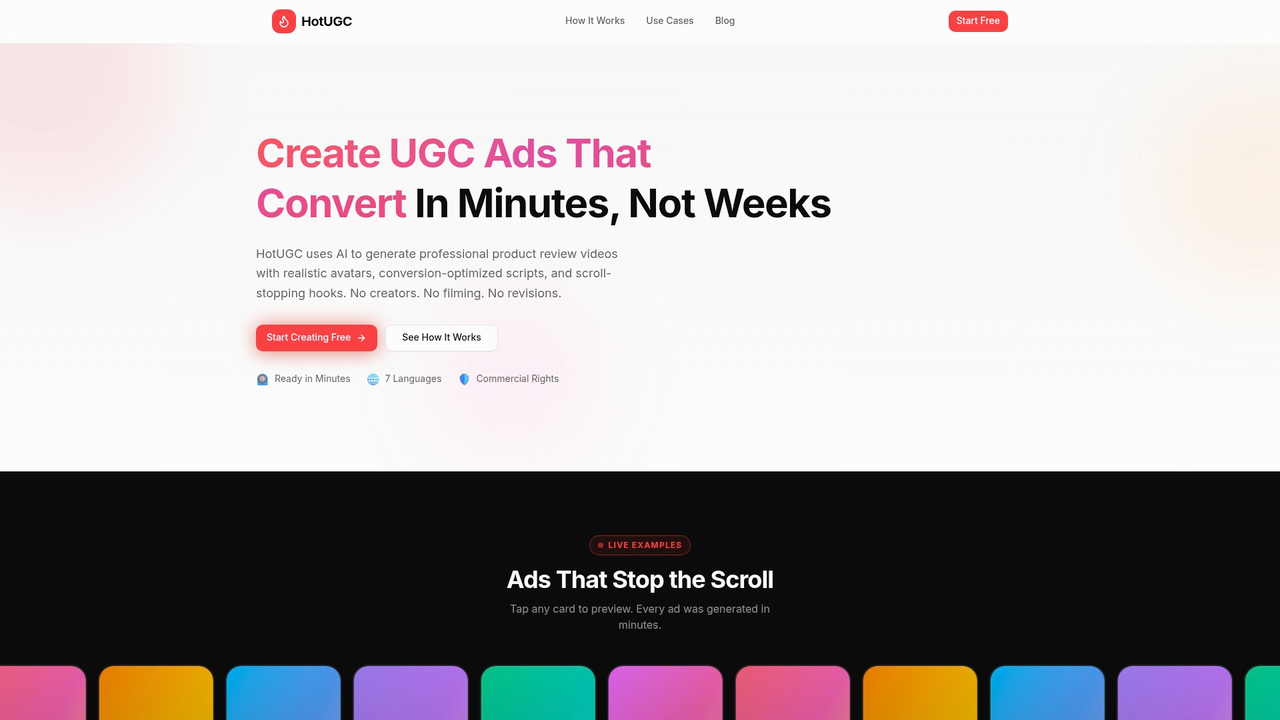
The platform offers complete customization aligned with your brand identity. Choose from diverse avatar options, adjust visual elements to match your style guide, and input scripts optimized for your audience. Multi-language support extends your reach globally without additional production costs. Commercial rights come standard, so you own and control your content completely.
Integration with e-commerce platforms and marketing workflows happens seamlessly. Export videos in formats optimized for TikTok, Instagram, Facebook, and other channels where your customers spend time. Test different messaging approaches quickly, identify winners, and scale successful campaigns immediately.
Pro Tip: Start with HotUGC’s avatar customization tools to test multiple styles and messages simultaneously. Rapid iteration reveals what resonates with your specific audience faster than traditional production ever could.
“Thousands of e-commerce brands trust HotUGC to amplify engagement and drive measurable results through AI-powered video content that maintains authentic brand storytelling.”
The combination of speed, cost efficiency, and quality makes HotUGC ideal for brands ready to scale video marketing without sacrificing authenticity or brand consistency.
How to customize video avatars - frequently asked questions
What software do I need to customize video avatars?
You need an AI video generation platform with avatar customization capabilities like HotUGC, Synthesia, or similar tools. These platforms provide avatar libraries, customization interfaces, and rendering engines. No video editing expertise is required, though basic familiarity with your brand guidelines helps ensure consistent results.
How can I ensure the video avatar feels authentic to my audience?
Focus on natural dialogue, subtle imperfections, and transparent communication about your production methods. Test avatars with small audience samples before full launches. Avoid overly polished presentations that trigger uncanny valley reactions. Match avatar style and tone to your existing brand voice across all channels.
What is the cost difference between AI avatars and traditional video production?
AI avatar videos cost $50 to $300 per video and generate in hours. Traditional video production costs $3,000 to $10,000 per video and takes weeks. The 90% cost reduction enables extensive testing and rapid scaling impossible with traditional methods while maintaining professional quality standards.
Can customized avatars replace real user-generated content completely?
Avatars complement rather than completely replace authentic UGC from real customers. Use avatars for scalable, controlled brand messaging while encouraging genuine customer testimonials for social proof. The combination delivers both consistency and authenticity. For deeper insights, review why use AI for content creation to understand optimal use cases.
How do I measure the success of my avatar video campaigns?
Track engagement rate, click-through rate, conversion rate, and viewer retention across platforms. Compare avatar video performance against traditional content using A/B tests. Set up analytics dashboards providing real-time visibility into performance trends. Focus on metrics tied directly to business goals rather than vanity metrics like view counts alone.


